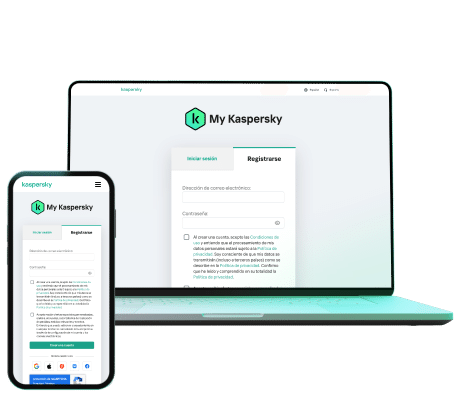
Choose your region and accept the licence agreements
The My Kaspersky › My licences section will open
2
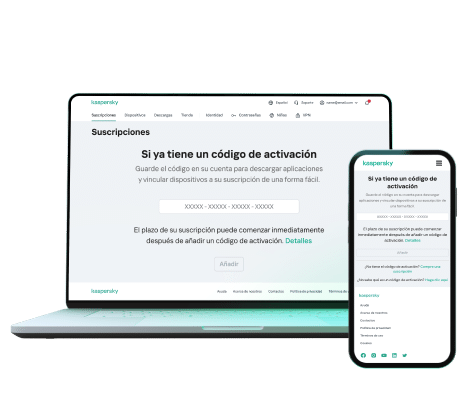
Enter your activation code
Paste your code in the field at the bottom of the page
The code has 20 characters in this format:
A1BCD-EFG23-XXXXX-XXXXX
3
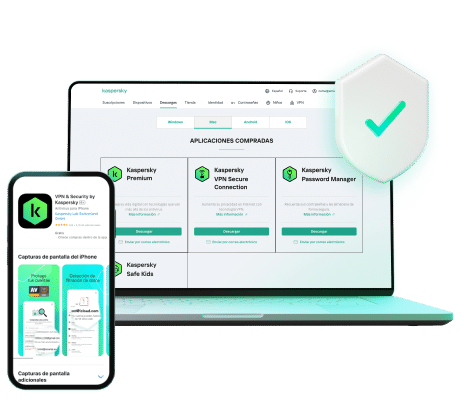
Download, install and enjoy
Download the app directly from My Kaspersky
Install it on your device to access all available features
That's it! You're now protected
ℹ️
If you purchased from Licengo, your activation code will be delivered by email immediately after purchase. If you can't find it, also check your spam folder.
Are there regional restrictions on using Kaspersky?
In some cases, you may only be able to activate your subscription from the country where you registered your details. VPN usage may be subject to local legal restrictions and might not be available if the subscription is activated in Belarus, China, Saudi Arabia, Iran, Oman, Pakistan or Qatar. Check the email containing your code for more details.
How long does my licence last and on how many devices can I use it?
The duration and number of devices are stated in the Licengo email where you received your code. You can also check this in My licences.
What if I received multiple codes in the same purchase?
You may have purchased multiple solutions. Follow the same three steps for each code — each one activates a different Kaspersky product.
Of course! You can send suggestions or feedback about Kaspersky to reviews@kaspersky.com. Your opinion helps them improve the experience for everyone.
Error: "The key file belongs to a different application"
⚠️ This error means the code does not match the installed version. Uninstall the current application, install the correct version (Standard, Plus or Premium) and repeat the process from Step 1.
Already have your activation code?
Go directly to My Kaspersky and start activating your licence now.
Utilizamos cookies y tus datos personales para personalizar anuncios y mejorar tu experiencia en nuestro sitio. Al aceptar, nos das tu consentimiento para utilizarlos. Puedes administrar tus preferencias de cookies en cualquier momento. Obtén más información en nuestra Política de Privacidad. Más información


 ? My cart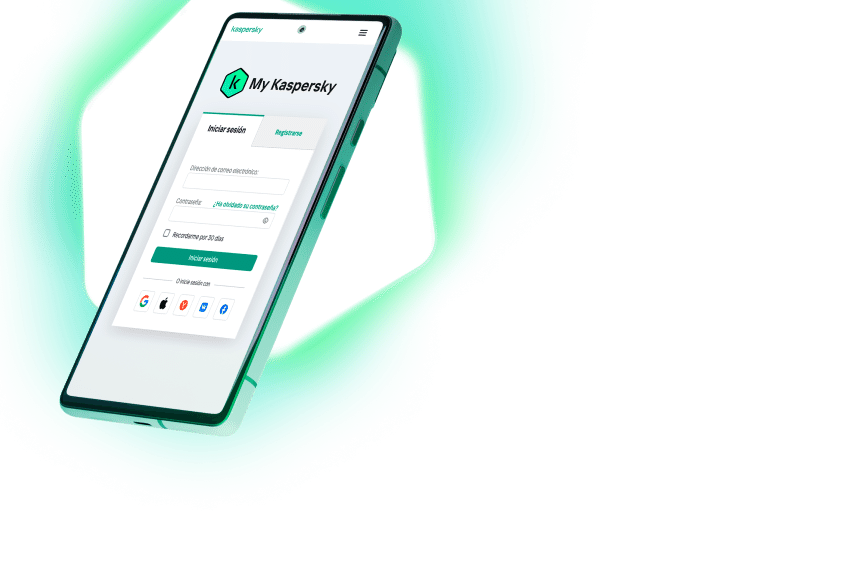
 Gestionar cookies